# Safari
> Markdown version of https://brajeshwar.com/2025/safari/ — 2025-08-01
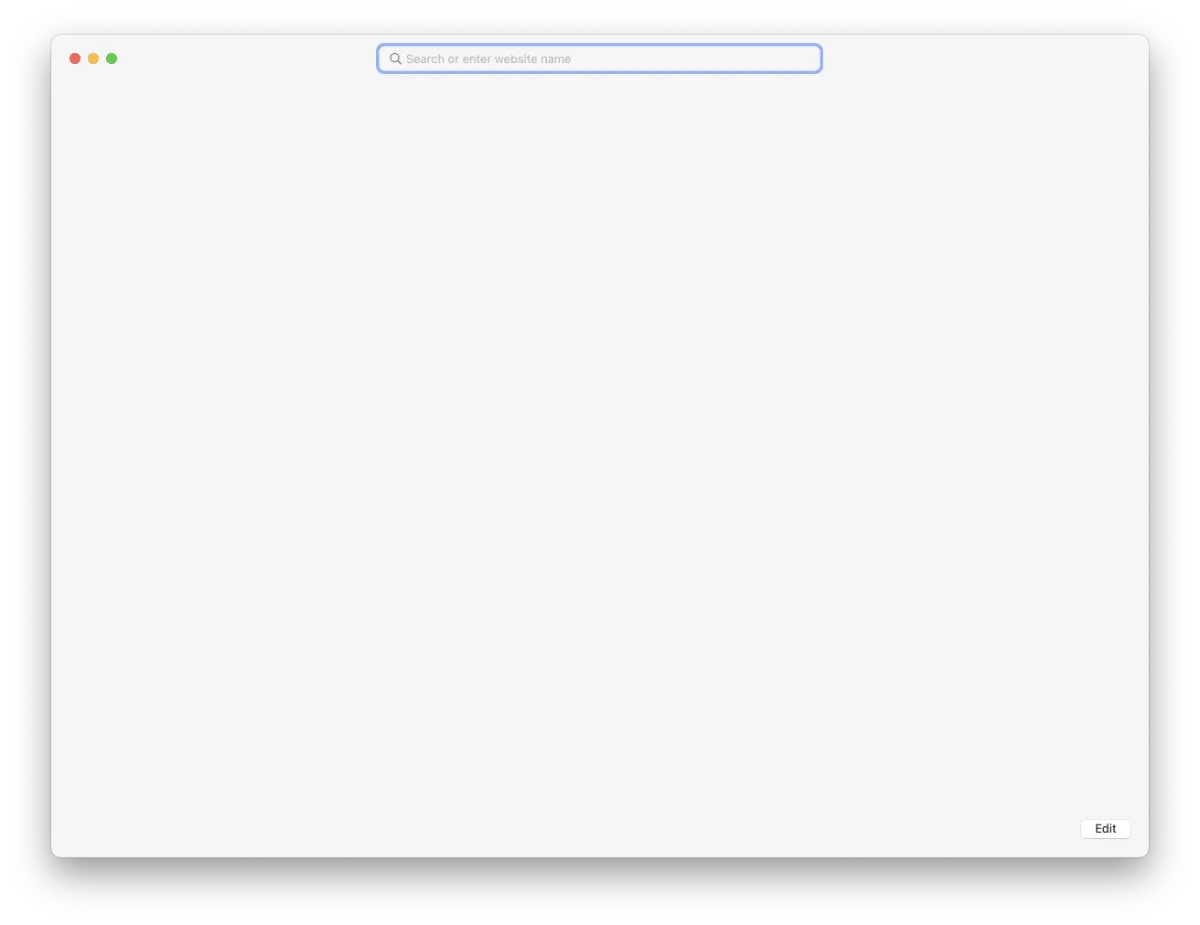 [Safari](https://en.wikipedia.org/wiki/Safari_(web_browser)) is my default Browser. I defaulted to Safari around 2015-2016 from Chrome. I wanted to get used to the native built-in app in macOS, iOS, iPadOS. I still use other browsers, such as [Chrome](https://en.wikipedia.org/wiki/Google_Chrome) for most work-related ones.
The idea was to learn the shortcuts and be able to navigate around seamlessly and smoothly.
[Safari](https://en.wikipedia.org/wiki/Safari_(web_browser)) is my default Browser. I defaulted to Safari around 2015-2016 from Chrome. I wanted to get used to the native built-in app in macOS, iOS, iPadOS. I still use other browsers, such as [Chrome](https://en.wikipedia.org/wiki/Google_Chrome) for most work-related ones.
The idea was to learn the shortcuts and be able to navigate around seamlessly and smoothly.
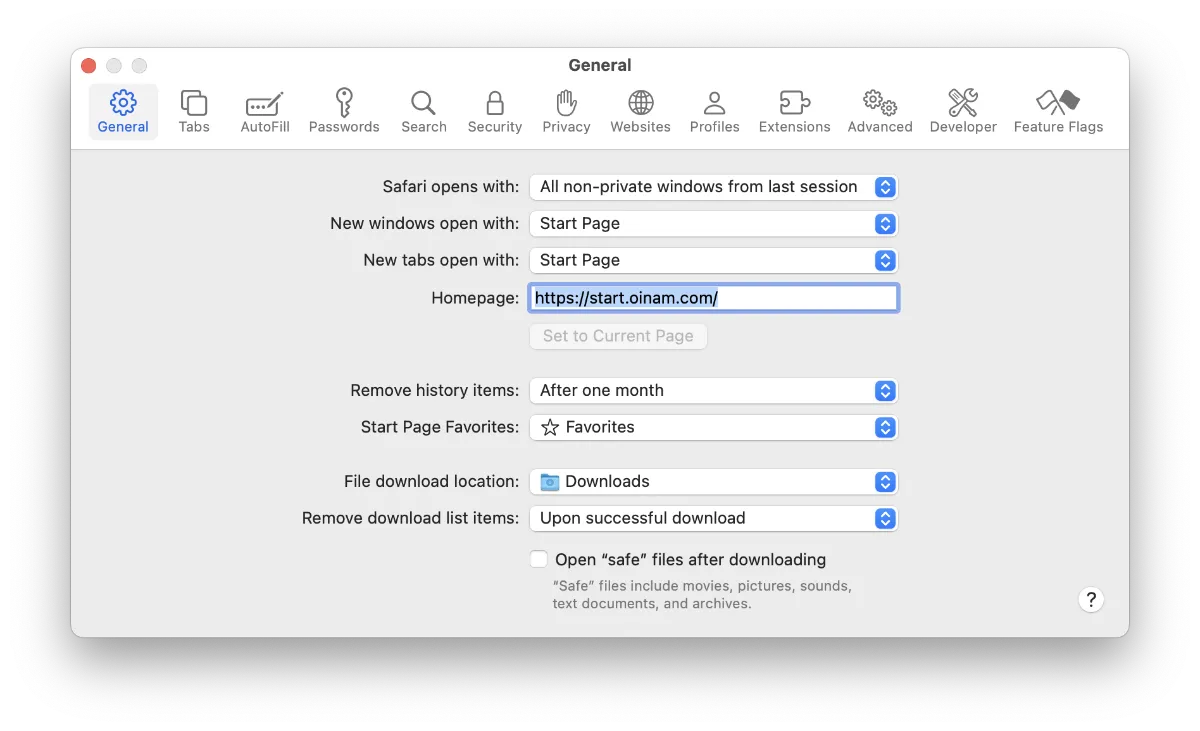 Out of all the shortcuts that has become muscle-memory, navigating to the “Home” with a blank page was something I never knew was possible. I had some link or a webpage there. Then, I remember `about:blank` from the [Internet Explorer](/2022/internet-explorer/) days and it worked.
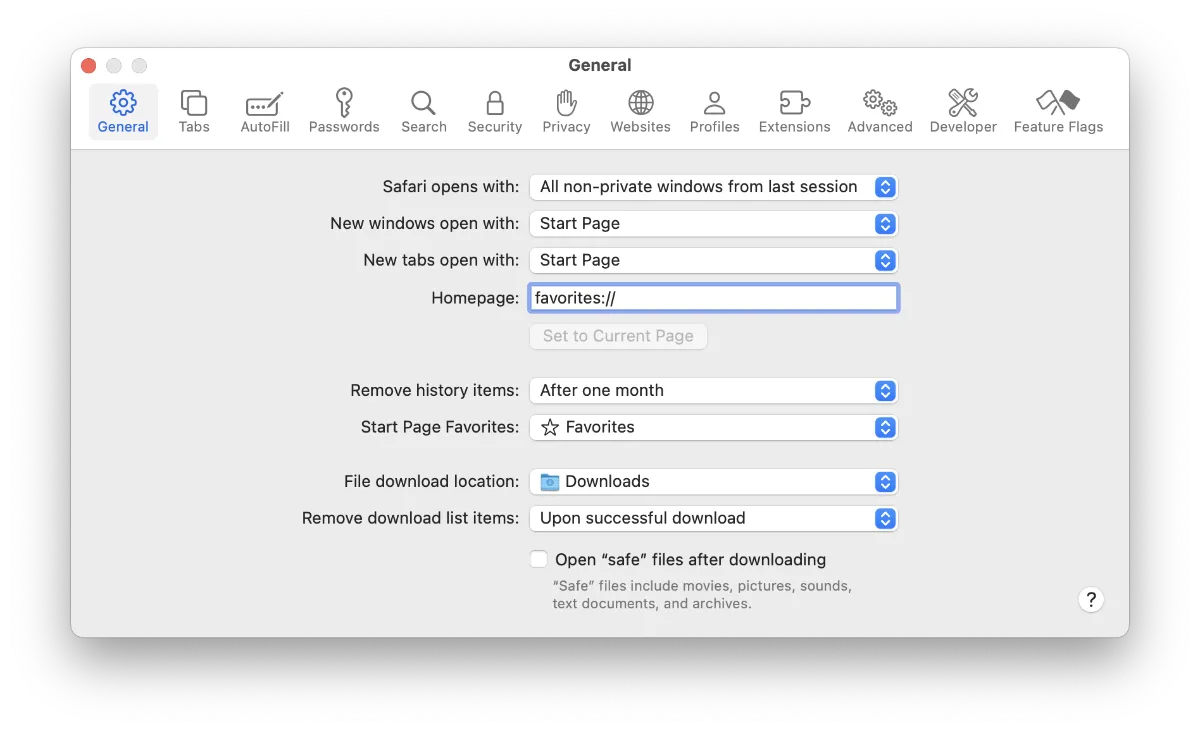 There are two options, so far, that I know of — `about:blank` or `favorites://`. Use the Keyboard Shortcuts — Shift + Command (⌘) + h to go Home.