What are HDR or High Dynamic Range Images?
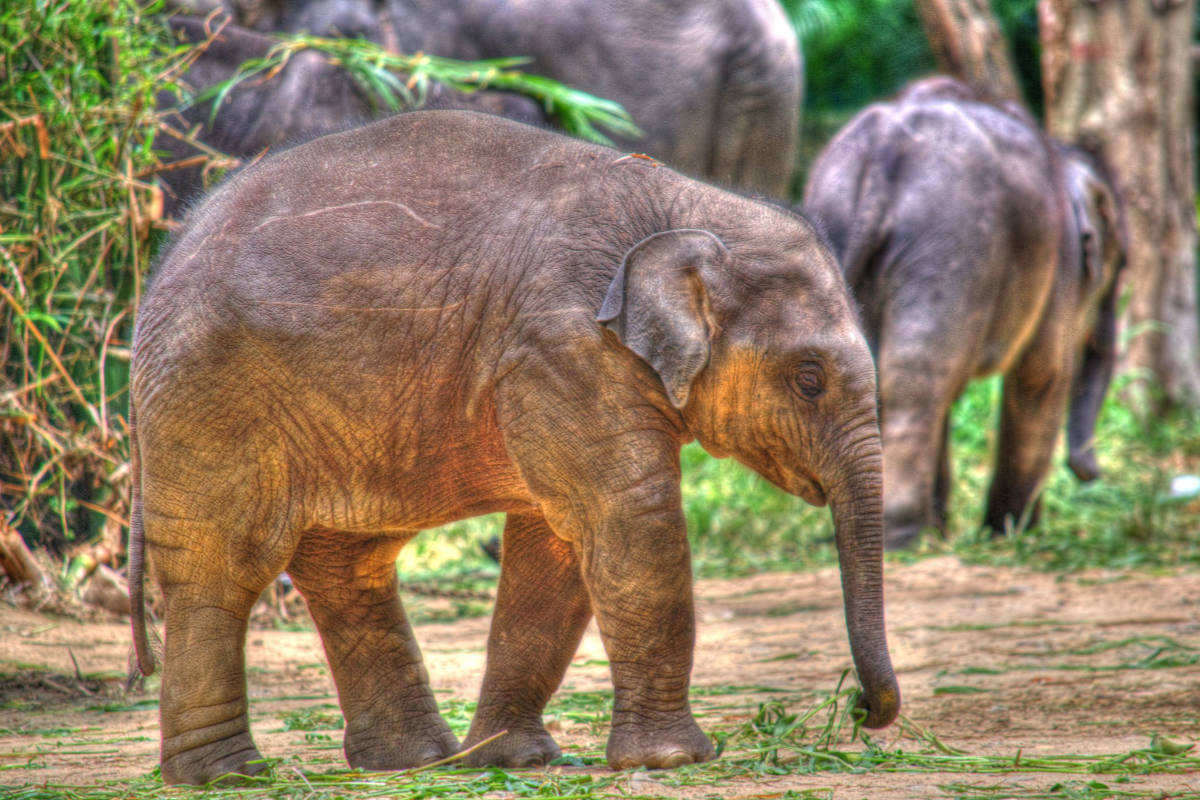
Wikipedia defines High Dynamic Range Imaging (HDRI for short) as a set of techniques that allow a far greater dynamic range of exposures than normal digital imaging techniques. The intention is to accurately represent the wide range of intensity levels found in real scenes, ranging from direct sunlight to the deepest shadows. This provides the opportunity to shoot a scene and have total control of the final imaging from the beginning to the end of the photography project.
What are HDR Images?
HDR or High Dynamic Images are one that can store pixel values that span the whole tonal range of the real-world which are quite high, in the range of 100,000:1. HDR Images are encoded in a format that allows the largest range of values like floating-point values stored with 32 bits per color channel. Another characteristics of an HDR image is that it stores linear values. This means that the value of a pixel from an HDR image is proportional to the amount of light measured by the camera. In this sense, HDR images are scene-referred, representing the original light values captured for the scene.
Whether an image may be considered High or Low Dynamic Range depends on several factors. Most often, the distinction is made depending on the number of bits per color channel that the digitized image can hold. However, the number of bits itself may be a misleading indication of the real dynamic range that the image reproduces - converting a Low Dynamic Range image to a higher bit depth, does not change its dynamic range of course.
- 8-bit images (i.e. 24 bits per pixel for a color image) are considered Low Dynamic Range.
- 16-bit images (i.e. 48 bits per pixel for a color image) resulting from RAW conversion are still considered Low Dynamic Range, even though their theoretical dynamic range is up to about 65,000:1. There are two reasons for this. First, the original RAW file has a dynamic range of roughly 1,000:1 only for most digital cameras. Second, the same type of tonal curve is used for converting RAW data to either 8- or 16-bit, which means the dynamic range reproduced does not increase with the bit-depth of the output format. By using 16 instead of 8 bits, you will gain precision but you will not gain dynamic range.
- 32-bit images (i.e. 96 bits per pixel for a color image) are considered High Dynamic Range. Unlike 8- and 16-bit images which can take a finite number of values, 32-bit images are coded using floating point numbers, which means the values they can take is unlimited. It is important to note though that storing an image in a 32-bit HDR format is a necessary condition for an HDR image but not a sufficient one. If the original image has not captured all the scene’s dynamic range, it will remain a Low Dynamic Range image, regardless of the format used to store it.
Given that the human eye can accommodate a dynamic range of approximately 10,000:1 in a single view, High Dynamic Range images have a clear advantage over Low Dynamic Range images that can not encode more than 8-bit range of tonal information.
How do I shoot an HDR image?
Most digital cameras are only able to capture a limited dynamic range (the exposure setting determines which part of the total dynamic range will be captured). This is why HDR images are commonly created from photos of the same scene taken under different exposure levels.
Here some recommendations for taking the Low Dynamic Range input images for the HDRI:
- Mount your camera on a tripod.
- Set your camera in manual exposure mode. Select an appropriate aperture for your scene (e.g. f/8 or less if you need more depth of field) and the lowest ISO setting.
- Measure the light in the brightest part of your scene (spot metering or in Av mode to point only the highlights) and note the exposure time. Do the same for the darkest shadows of your scene.
- Determine the number and value of exposures necessary. For this, take as a basis the exposure time measured for the highlights. Multiply this number by 4 to find the next exposure with a stop spacing of 2 EV. Multiply by 4 successively for the next exposures till you pass the exposure measured for the shadows. (Note: For most scenes, 3-4 images should be sufficient to cover the dynamic range).
- You can make use of auto-exposure bracketing if your camera supports it and if it allows a stop spacing of 2. Otherwise, just vary the exposure times manually.
- Use a HDR Imaging capable software to produce your HDR Images